All features
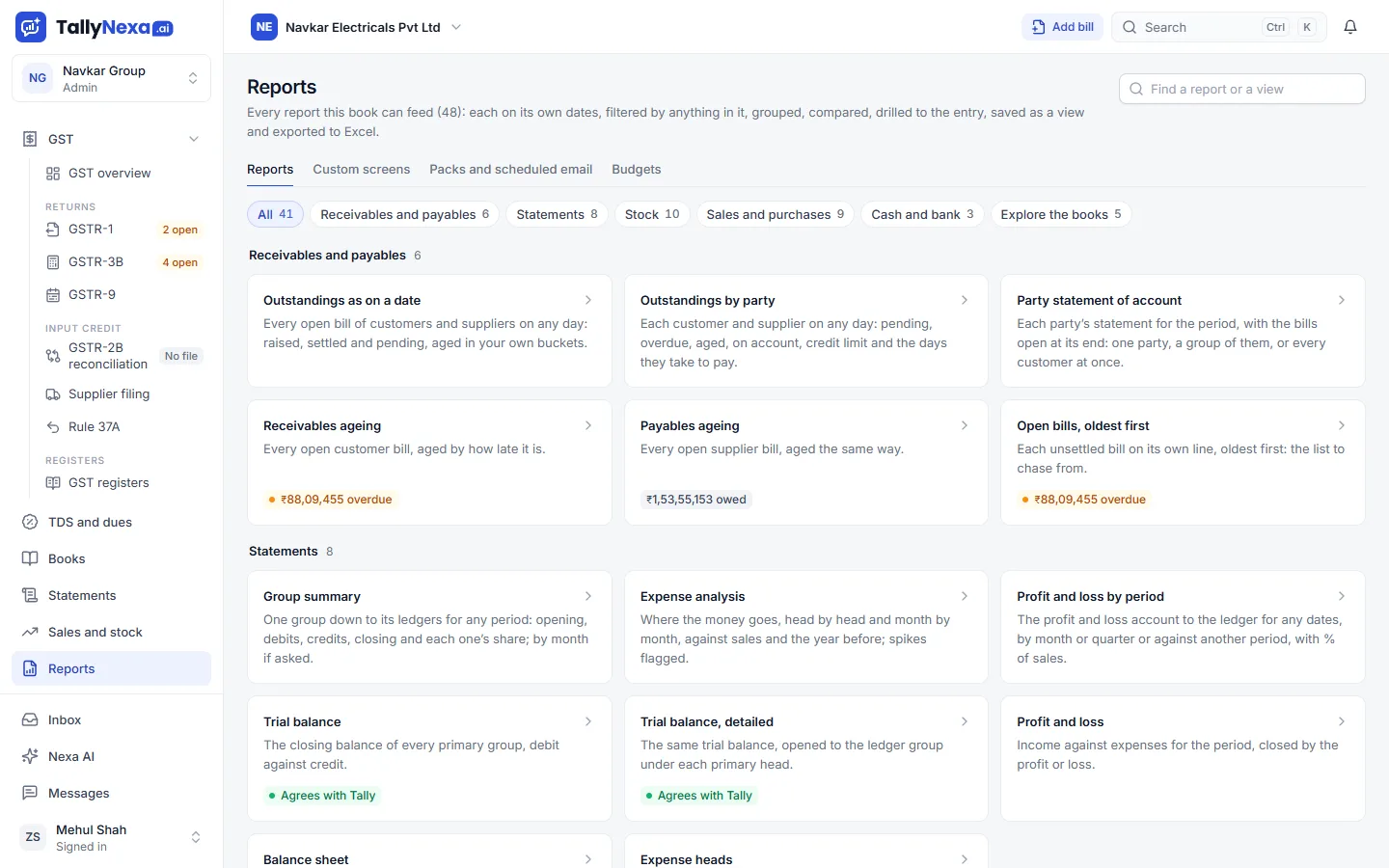
The screen as it is in TallyNexa, on the sample books (Navkar Electricals, made up).
Reports
The reports a business and its accountant use every month, each with its own dates and filters, and an Excel copy.
What it does
- Balance sheet, profit and loss and trial balance
- Ageing, outstandings and party statements
- Sales and purchase registers by month, item and party
- Every report to Excel, with its formulas
More of TallyNexa
All features





How it works
- 1
Pick a report
Each of the 41 has its own dates and filters. - 2
Open the detail
From a total to the vouchers behind it. - 3
Take it to Excel
A workbook that opens with its formulas. - 4
Have it sent
Put any report on a schedule and it comes by mail.
Questions about Reports
Which reports are there?
Forty-one, including the balance sheet, profit and loss, trial balance, ageing and outstandings, party statements, and sales and purchase registers by month, item and party.
Can I export Tally reports to Excel?
Yes. Every report and screen goes to Excel as a workbook that opens with its formulas.
Guides
ODBC and port 9000Turn on ODBC and port 9000 in TallyPrime so Excel, connectors and other tools can read your books, then test it in a browser in ten seconds.Tally data to ExcelThree ways to get TallyPrime data into Excel: a one-off export, a live ODBC link that refreshes, and workbooks with formulas mailed to you on a schedule.Consolidate companiesCombine several TallyPrime companies into one view: prepare ledgers, create a group company, read the figures and take out inter-company balances.Tally on a MacTallyPrime is made for Windows. The ways people use it from a Mac: Windows in a virtual machine, Tally on cloud, remote desktop, or the books in a browser.Stock on a past dateSee closing stock for any past date in TallyPrime, by item and godown, and why adding entries to the opening often gives a different value from Tally.